
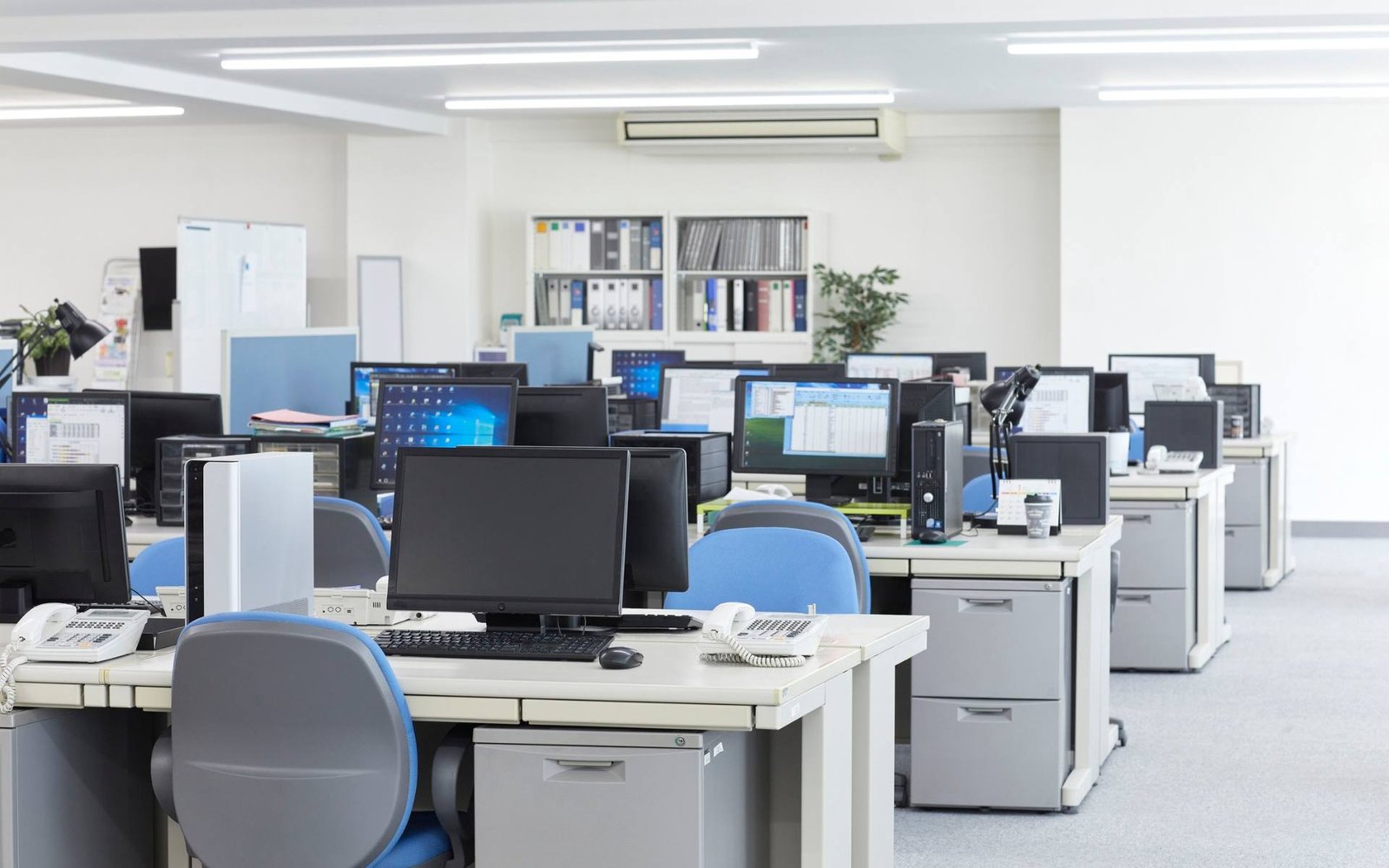
Business expansion often begins with a single office and gradually develops into operations across multiple cities. As companies grow, they may establish new branches, regional offices, development centres, sales teams, training facilities, and Global Capability Centres (GCCs).
While opening another office creates new business opportunities, it also increases the complexity of managing IT infrastructure. Equipment that was initially arranged for one location must now support employees working across different cities, departments, and operational environments.
Companies need to coordinate corporate laptops, desktops, MacBooks, workstations, servers, networking equipment, cybersecurity, technical support, and IT asset management across every location.
Without a structured infrastructure strategy, expansion can lead to inconsistent hardware configurations, delayed employee onboarding, fragmented asset records, and difficulties in providing technical support.
For companies expanding across India, a centralized IT infrastructure plan can help maintain operational consistency while allowing each office to meet its local requirements.
This article explains how businesses can plan, deploy, and manage IT infrastructure when expanding from one office to multiple cities.
1. Evaluate IT Requirements Before Opening a New Office
One of the first steps in multi-city expansion is understanding the computing requirements of each new location.
A company should not assume that every branch will need exactly the same infrastructure as its existing office. Requirements may differ according to employee roles, business activities, office size, and technology workloads.
For example, a sales office may primarily need standard corporate laptops, while a software development centre may require high-performance laptops and workstations.
Similarly, a training centre may need multiple standardized desktops, while a data science team may require GPU-enabled computing systems.
Before opening a new location, evaluate:
- Expected employee headcount.
- Department-wise hardware requirements.
- Number of laptops and desktops required.
- Required software and business applications.
- Internet connectivity and networking needs.
- Server and storage requirements.
- Security and access policies.
- Technical support requirements.
A location-wise infrastructure assessment helps companies arrange suitable equipment without overestimating or underestimating their requirements.
2. Create a Centralized IT Infrastructure Strategy
When a company operates from one office, IT management is often relatively simple. The same team may handle device allocation, software installation, technical support, and asset tracking.
However, when the business expands into multiple cities, independently managing every location can create operational complexity.
Different offices may begin using different laptop models, software versions, network configurations, and support procedures.
To avoid this, businesses should establish a centralized IT infrastructure strategy.
Under this approach, the central IT department defines:
- Approved laptop and desktop configurations.
- Operating system and software standards.
- Cybersecurity policies.
- Device management procedures.
- Asset tracking requirements.
- Networking standards.
- Technical support processes.
Local office teams can coordinate daily requirements while following the standards established by the central IT department.
This approach provides consistency across locations and makes future expansion easier to manage.
3. Standardize Laptop and Desktop Configurations
Hardware standardization is important when deploying IT equipment across multiple offices.
If every location independently selects its laptops and desktops, the organization may end up managing numerous configurations. This can increase troubleshooting time, complicate software compatibility, and make device replacement more difficult.
Companies should develop an approved hardware catalogue based on employee roles.
For example:
Standard corporate laptops: Suitable for administration, HR, finance, sales, and general business operations.
Developer laptops: Configurations with appropriate processors, RAM, and SSD storage for programming and development environments.
MacBooks: Suitable for departments that use macOS-based applications and workflows.
Desktop computers: Appropriate for fixed office workstations and teams requiring standardized desktop environments.
High-performance workstations: Designed for engineering, graphics, video production, and other demanding workloads.
GPU systems: Suitable for AI development, machine learning, data science, and specialized computing requirements.
Standardization allows procurement and IT teams to arrange devices more efficiently while maintaining consistent performance across offices.
4. Plan Device Quantities According to Employee Growth
Companies expanding into multiple cities should forecast hardware requirements based on both current and expected employee headcount.
For example, a business operating from Delhi with 100 employees may plan to establish additional offices in Bengaluru and Hyderabad.
Its infrastructure requirements may look like this:
| Office location | Illustrative employee count | Example device requirement |
|---|---|---|
| Delhi | 100 | 100 systems |
| Bengaluru | 75 | 75 systems |
| Hyderabad | 50 | 50 systems |
| Pune | 75 | 75 systems |
| Mumbai | 100 | 100 systems |
This example assumes one primary system per employee. Actual requirements may vary depending on shared devices, desktop-based operations, specialized workloads, and existing equipment.
Companies should also account for future hiring, project-based teams, temporary requirements, and replacement devices.
A phased deployment plan helps businesses arrange equipment according to confirmed joining schedules rather than committing to all hardware requirements at once.
5. Coordinate Multi-City Laptop Deployment
One of the biggest challenges during geographic expansion is delivering the correct equipment to the correct office at the required time.
For example, a company may need 50 laptops in Bengaluru, 30 desktops in Hyderabad, and 100 laptops in Mumbai within the same deployment period.
Managing these requirements independently can create delays and inconsistent handover procedures.
A centralized deployment process should include:
- Consolidated device requirements from all offices.
- Approved hardware configurations.
- Location-wise device allocation.
- Delivery schedules and receiving contacts.
- Device configuration and testing.
- Serial number and asset ID recording.
- Employee allocation and handover confirmation.
Businesses should maintain a shared deployment tracker so that central IT teams can monitor the status of every location.
Working with a PAN India enterprise IT equipment partner can also help coordinate bulk requirements across different cities.
6. Establish Consistent Software and Device Configuration
Hardware delivery does not automatically mean a laptop or desktop is ready for business use.
Every device may require operating system updates, approved applications, endpoint security tools, VPN access, device management enrollment, and department-specific software.
If each office configures devices independently, employees may receive systems with different software versions or inconsistent security settings.
To avoid this, companies should develop a standard device configuration process.
The process may include:
- Approved operating system versions.
- Business productivity applications.
- Antivirus and endpoint security tools.
- VPN and secure network access.
- Device management software.
- Browser and network settings.
- Department-specific applications.
- Security updates and configuration checks.
Where appropriate, automated deployment tools can help prepare multiple devices using approved configuration standards.
Centralized configuration reduces repetitive manual work and makes it easier to maintain consistent IT environments across offices.
7. Build Reliable Networking Infrastructure at Every Location
Every new office requires reliable connectivity to support daily business operations.
Employees need access to internal applications, cloud platforms, communication tools, shared documents, business systems, and secure corporate networks.
Network requirements can differ significantly depending on office size and business activities.
Before opening a new location, companies should evaluate:
Internet connectivity: Select an appropriate business internet connection based on employee numbers and application requirements.
Wi-Fi infrastructure: Plan access points to provide reliable wireless connectivity throughout the office.
Network switches: Ensure sufficient wired connectivity for desktops, printers, servers, and other equipment.
Firewall and security: Apply network security policies according to corporate standards.
Remote connectivity: Provide secure access to internal systems for authorized employees.
Backup connectivity: Consider secondary connectivity where business continuity requirements justify it.
Network planning should happen alongside office planning rather than after employees have moved into the new location.
8. Plan Server, Storage and Data Centre Requirements
As businesses expand, their computing and storage requirements may also increase.
Some companies rely entirely on cloud platforms, while others require local servers, dedicated storage systems, development environments, backup infrastructure, or specialized computing resources.
A growing technology company, for example, may need additional servers to support development and testing activities.
An AI-focused department may require GPU servers and high-performance workstations for machine learning workloads.
Companies should assess:
- Application hosting requirements.
- Local server and storage needs.
- Backup and recovery systems.
- Network connectivity between offices.
- Data access and security requirements.
- High-performance computing needs.
- Power and physical infrastructure.
The objective is to ensure that every office has the appropriate computing resources without creating unnecessary infrastructure duplication.
9. Maintain Centralized IT Asset Management
Managing equipment across multiple cities becomes difficult without accurate asset records.
When devices are distributed across different offices, the central IT department must know which employee is using each system, where the device is located, and what its current status is.
A centralized IT asset register should contain:
- Device make and model.
- Serial number and asset identification number.
- Processor, RAM, and storage details.
- Assigned employee or department.
- Office location.
- Deployment date.
- Device condition and current status.
- Warranty and support information, where applicable.
- Repair, replacement, and return history.
Asset management software can help automate tracking and improve visibility when the number of devices increases.
A centralized asset register also supports internal audits, employee transfers, device recovery, and hardware replacement planning.
10. Apply Consistent Cybersecurity Policies Across Offices
Expanding into multiple cities increases the number of devices, users, networks, and access points that need to be protected.
A company should not allow each branch to establish its own independent security practices without central oversight.
Instead, all offices should follow common cybersecurity policies.
Important security measures include:
- Endpoint protection on corporate devices.
- Full-disk encryption where required.
- Multi-factor authentication.
- Role-based access controls.
- Regular operating system updates.
- Centralized device monitoring.
- Secure VPN access.
- Approved software installation.
- Secure device handover and return procedures.
Businesses should also ensure that their security practices account for applicable Indian data protection and cybersecurity requirements.
A consistent security framework helps protect company information while supporting employees across different locations.
11. Develop a Multi-City IT Support and Replacement Strategy
When a company operates from one office, employees can often approach a local IT support team for hardware-related issues.
However, a multi-city organization needs a structured support model that works across all locations.
A laptop issue in Pune or a desktop failure in Hyderabad should follow the same documented reporting and escalation process as an issue at the headquarters.
Companies should define:
- Centralized support contact details.
- Hardware troubleshooting procedures.
- Repair and replacement arrangements.
- Local support responsibilities.
- Spare device requirements.
- Escalation procedures.
- Response and resolution expectations.
If equipment is arranged through an external provider, companies should review the applicable support scope and Enterprise Support SLA.
Support coverage, replacement conditions, service locations, and response commitments should be clearly documented before deployment.
12. Choose the Right Hardware Procurement Model
Expanding into multiple cities can increase IT infrastructure costs significantly.
Businesses should evaluate whether purchasing every device is the most suitable option for their requirements.
Hardware ownership may be appropriate for permanent teams and long-term infrastructure needs. However, companies with uncertain hiring schedules, temporary projects, or rapidly changing workforce requirements may benefit from flexible equipment arrangements.
For example:
- A new office may need 50 laptops for its initial team.
- A temporary project may require another 100 laptops for six months.
- A design department may need additional workstations.
- A specialized AI project may require GPU systems.
- A training centre may need 200 standardized desktops for a defined program.
An enterprise equipment arrangement can help businesses access devices for an agreed period without purchasing every additional system.
A hybrid model may also work well, combining owned equipment for core operations with flexible arrangements for temporary or additional requirements.
The decision should consider total cost, deployment timelines, device configurations, support arrangements, and contract terms.
13. Prepare for Future Expansion and Infrastructure Scaling
A company’s multi-city expansion rarely ends after opening two or three offices.
New branches, additional departments, larger teams, and specialized computing requirements may emerge as the business grows.
IT infrastructure planning should therefore account for future expansion from the beginning.
Businesses should regularly review:
- Employee headcount forecasts.
- New office opening schedules.
- Hardware utilization.
- Department-wise computing requirements.
- Network and server capacity.
- Equipment replacement cycles.
- Security requirements.
- Support capacity.
A scalable infrastructure strategy allows organizations to add devices and computing resources without redesigning their entire IT environment every time the business expands.
Multi-City IT Infrastructure Planning Checklist
Before deploying equipment across multiple offices, companies should review the following:
| Planning area | Key requirement |
|---|---|
| Workforce | Employee count and future hiring |
| Hardware | Approved laptops, desktops and workstations |
| Deployment | Location-wise allocation and delivery |
| Configuration | Standard operating systems and software |
| Networking | Internet, Wi-Fi, switches and firewalls |
| Servers | Storage, backup and computing capacity |
| Security | Endpoint protection and access policies |
| Asset tracking | Centralized device register |
| Support | Repair, replacement and escalation process |
| Expansion | Future office and infrastructure requirements |
How Rental Plaza Supports Multi-City Corporate IT Requirements
Expanding businesses need a reliable approach to arranging computing equipment across different office locations.
Rental Plaza supports corporate and enterprise IT equipment requirements across India, helping businesses plan hardware arrangements for new office setups, employee onboarding, project deployments, training programs, and multi-city operations.
The equipment portfolio includes:
- Corporate laptops and desktops.
- Apple MacBooks and iMacs.
- High-performance workstations.
- Servers and GPU systems.
- Networking equipment.
- Printers and related IT infrastructure.
Companies can discuss their required configurations, device quantities, deployment locations, and rental durations according to their business requirements.
Explore enterprise IT equipment solutions for corporate and bulk deployment needs.
Businesses expanding into India from overseas can also review IT infrastructure solutions for international companies.
For organizations that require defined support arrangements, the Enterprise Support SLA provides further information about enterprise support requirements.
Conclusion
Expanding from one office to multiple cities requires a planned and scalable IT infrastructure strategy.
Businesses must coordinate hardware selection, bulk laptop deployment, networking, server capacity, cybersecurity, asset tracking, and technical support across every location.
A centralized IT framework helps maintain consistent hardware and security standards, while location-wise execution ensures that each office receives the equipment and support it needs.
Companies that plan infrastructure alongside business expansion can reduce deployment delays, simplify IT management, and provide employees with reliable computing resources from the beginning.
Whether an organization is opening its second office or managing operations across ten Indian cities, its IT infrastructure should be designed to support both current operations and future growth.
Planning to expand your business across multiple Indian cities? Connect with Rental Plaza to discuss corporate laptops, desktops, MacBooks, workstations, servers, and PAN India IT equipment deployment requirements.
